How to generate a PDF report of your carbon calculation
Or alternatively, read below for a step by step guide.
Step 1
-
Navigate to Sandy's Homepage. Then click into Sustainability on the left-hand side. Next, select Carbon, and finally Carbon Calculator.

Step 2
-
Select the carbon calculation for which you require the results and click Run.

Step 3
-
Once in your chosen footprint, select the level you wish to view your report at.
-
Generating a report on the overall farm results page, will provide you with a general farm view and separate pages for your enterprise key statistics. To get a more in-depth crop or field reporting, select one of the drop-down options. For example, selecting Arable & Horticulture will allow you to choose from a specific enterprise, or crop field, or even by specific crop.
-
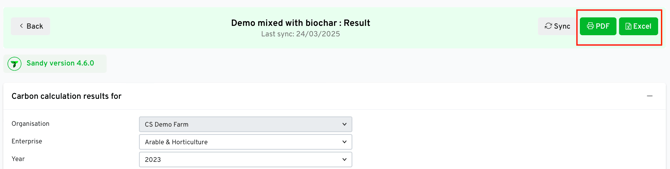
To generate your report, click the Generate PDF button on the right. A new tab will open and will contain summary statistics and multiple graphs that cover your enterprise's footprint. You can export or print this report by clicking the Print button in the top right hand corner..

Excel Reporting
- On the carbon calculation results page, scroll down to the filters and select the enterprise you wish to filter for.
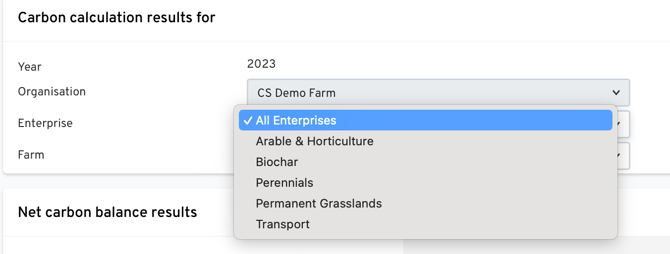
- Click 'Excel' on the top right of the screen and Sandy will provide a download of your results in Excel format.