Step 1
-
Ensure your updated or new data in setup has been saved and is ready to sync.
-
Click to Sandy's Homepage.
Step 2
-
From the left-hand side list, select Sustainability, then Carbon, and finally Carbon Calculator.

Step 3
-
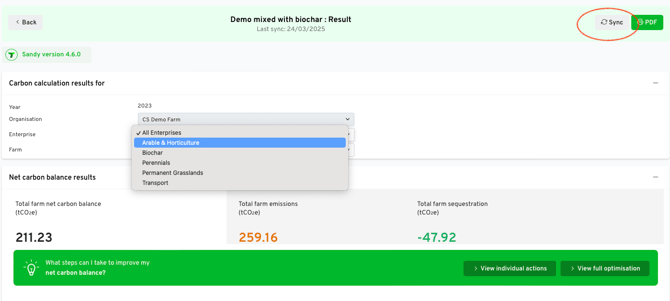
On the calculation that you would like to sync up the new data to, click the Sync button to sync the latest, relevant data from onboarding.

-
If you are syncing a scenario analysis, an information box will pop up and ask you to confirm data. Click Continue to proceed.
-
Then click Run and run your calculation as normal.

You may also sync a calculation from within the calculation itself by click the 'Sync' button on the top right of the screen.